
Guides · 8 min read
SAS vs SATA vs NVMe: choosing server SSDs and SAS drives
Interfaces, form factors, endurance classes and backplanes: how to find the right drive for your server.
Stock items leave our warehouse in Germany within 24 hours
Server SSDs are built for sustained data center workloads: capacitors protect the write cache during power loss (power loss protection), performance stays consistent under continuous writes and endurance is specified in DWPD (drive writes per day). Here you will find SATA and SAS SSDs in 2.5-inch format as well as NVMe SSDs in U.2 and M.2. Before buying, check how your server connects drives: a 12 Gb/s SAS SSD needs a SAS controller or HBA, U.2 drives need an NVMe-capable backplane or a PCIe adapter card and will not work in plain SAS/SATA bays. Matching drive caddies are available for Dell and HPE servers. For used SSDs we check the remaining life from the SMART data and test them before shipping. Warranty is 12 to 36 months.
No products found
Adjust the filters or ask us directly. We can source most hardware within a few days.
Finding the right server SSD takes three steps. First, your server determines which interface is possible. Then the write load decides which endurance class you need. With used drives, wear level is the third factor. The technical background on protocols, form factors and backplanes is in our guide SAS vs SATA vs NVMe.
A look at the server configuration is enough: if the bays are cabled to a RAID controller, SAS and SATA SSDs are the given. NVMe drives only work in bays with PCIe connections or via a tri-mode controller.
Server SSDs come as Read Intensive (about 1 DWPD), Mixed Use (about 3 DWPD) and Write Intensive (10 DWPD and up). Read Intensive is enough for most virtualisation hosts, file servers and web servers, which usually write well under their full capacity per day. Mixed Use pays off for write-heavy databases, Write Intensive for logs, caches and ZFS SLOG devices.
| Model | Interface | Capacity | Endurance | Typical use |
|---|---|---|---|---|
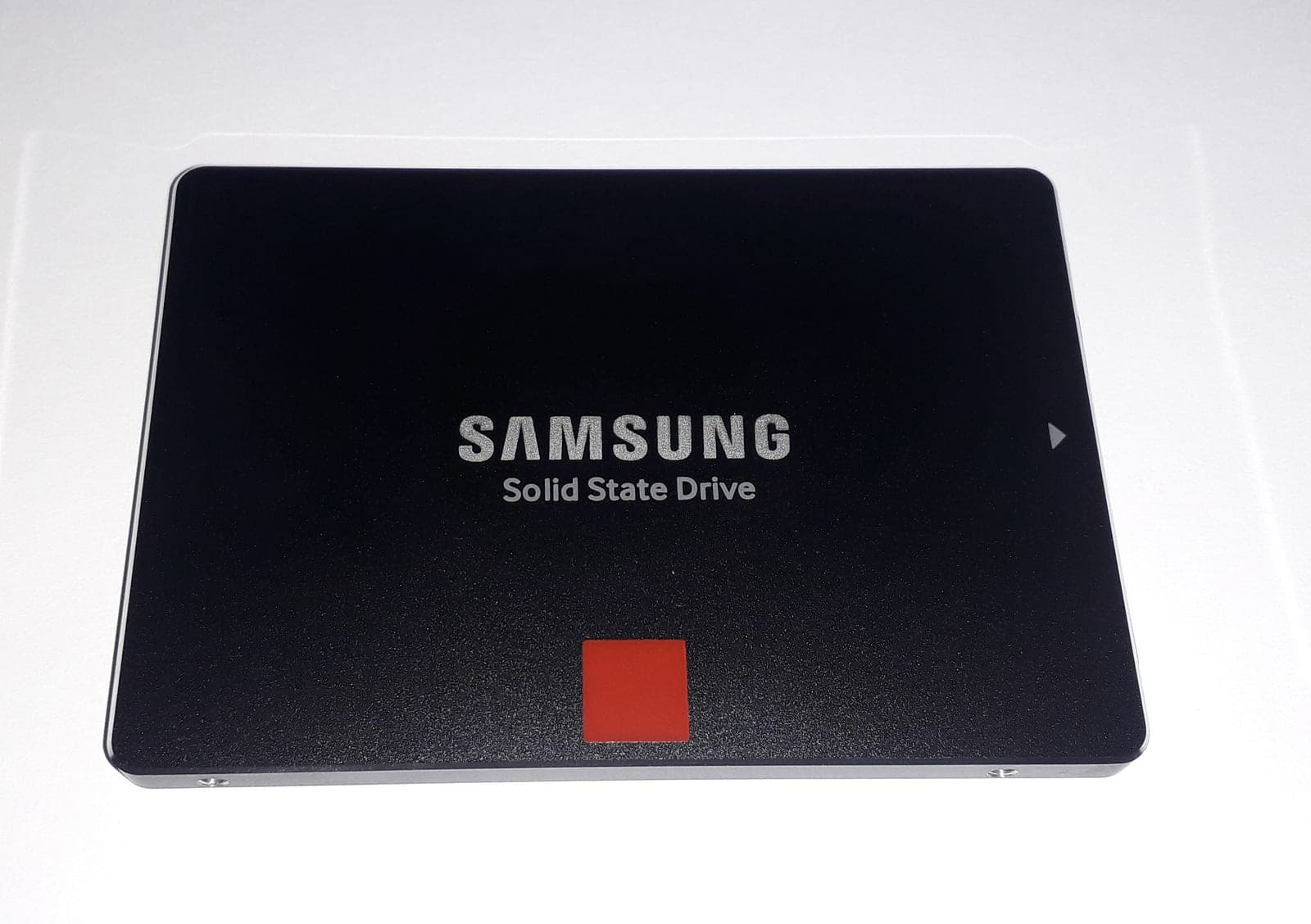
| Samsung PM893 | SATA 6 Gb/s | 960 GB | 1,752 TBW (≈ 1 DWPD) | boot, web servers, homelab |
| HPE 960 GB SAS RI | SAS 12 Gb/s | 960 GB |
Answers to the questions we hear most often before a first order.
Question not listed?
| Read Intensive |
| ProLiant Gen9/Gen10 with Smart Array |
| Dell 1.92 TB SAS RI | SAS 12 Gb/s | 1.92 TB | Read Intensive | VM datastores in PowerEdge 14G/15G |
|---|
| Samsung PM9A3 | NVMe PCIe 4.0 x4, U.2 | 1.92 and 3.84 TB | 1 DWPD | many VMs, databases, Ceph |
|---|
| Intel P4510 | NVMe PCIe 3.1 x4, U.2 | 4 TB | 6.3 PBW (≈ 0.9 DWPD) | large, read-heavy NVMe pools |
|---|
| Intel Optane P4800X | NVMe PCIe 3.0 x4, U.2 | 375 GB | 30 DWPD | ZFS SLOG, Ceph DB/WAL, caches |
|---|
Flash wear is measurable, and every enterprise SSD keeps track of it. With smartctl, or in iDRAC or iLO, you can see how much of the rated endurance has been used:
For bulk capacity rather than speed, SAS hard drives still cost less per terabyte. We also buy retired SSDs through our buy-back service, with an offer within 48 hours.
SAS SSDs offer two ports for multipath or redundant controllers, 12 Gb/s instead of 6 Gb/s and more robust error handling. SATA SSDs are cheaper and sufficient for boot drives, read-intensive workloads or homelabs. Both types run on a SAS controller.
Drive writes per day states how often the full capacity can be written each day over the manufacturer's warranty period (usually five years). Read-intensive models are around 1 DWPD, mixed-use models around 3 and write-intensive models 10 or more.
Only in bays wired for NVMe, which Dell and HPE usually label separately. Alternatively, run U.2 drives from a PCIe adapter card. A U.2 SSD is not detected in plain SAS/SATA bays.
Guides · 8 min read
Interfaces, form factors, endurance classes and backplanes: how to find the right drive for your server.