IPMI, iDRAC and iLO: server remote management explained
Virtual console, ISO mounting, sensors, firmware updates: what the management controllers from Dell, HPE, Lenovo and Supermicro can do and how to run them safely.
- Published
- Reading time
- 8 min
- Topic
- Rack, remote management & virtualisation
Contents10 sections
- What is a BMC, and what is IPMI?
- What a BMC can do
- iDRAC, iLO, XCC and IPMI compared
- Dell iDRAC: generations and licences
- HPE iLO: Standard or Advanced
- Lenovo XClarity Controller and Supermicro IPMI
- Redfish: one REST API for all vendors
- Security: how to protect the BMC
- Buying a used server: check the remote management
- Frequently asked questions
Key points
- A BMC is a small, separate computer on the motherboard. It runs as soon as power is connected – independently of the operating system.
- Dell calls it iDRAC, HPE iLO, Lenovo XClarity Controller. Licence tiers, which differ by generation, decide which features are unlocked.
- Redfish is the modern REST interface across all major vendors and is gradually replacing IPMI over LAN.
- A BMC never belongs on the internet: separate management network, your own credentials, current firmware.
IPMI, iDRAC and iLO are the tools admins use to control servers remotely: power on, look into the BIOS, install an OS, read out faults – without a trip to the data centre. Under the hood there is always a baseboard management controller (BMC). Below: how the vendors differ, which licences matter and how to secure access.
What is a BMC, and what is IPMI?
The BMC is a separate microcontroller on the motherboard with its own firmware, memory and usually its own network port. Powered from the standby rail, it runs as soon as the cord is plugged in – even with the server off or the OS hung. It reads temperature, fan and voltage sensors, controls the fans, logs hardware events and powers the server on and off. Practically every rack server from Dell, HPE, Lenovo or Supermicro has one.
IPMI (Intelligent Platform Management Interface) is the older industry standard that tools such as ipmitool use to talk to the BMC – locally or over the network on UDP port 623. Version 2.0 dates back in its essentials to 2004 and has known weaknesses in authentication. Vendors build their own interfaces on top – iDRAC, iLO, XClarity Controller – while Supermicro simply calls its implementation IPMI.
What a BMC can do
- Virtual console: the server’s screen, keyboard and mouse in your browser, from power-on to the running system. Current BMCs use HTML5, older ones Java.
- Virtual media: mount an ISO image from your PC or a network share, for example to install Proxmox instead of VMware.
- Power control: power on, graceful shutdown, hard power-off, reset.
- Sensors: temperatures, fan speeds, voltages and power draw in watts.
- Logs: the system event log (SEL), plus the Lifecycle Log on Dell and the Integrated Management Log on HPE.
- Firmware updates: update BIOS, controllers, network cards and the BMC itself without booting an OS.
- Alerts: email, SNMP trap or syslog when a fan, memory module or power supply fails.
iDRAC, iLO, XCC and IPMI compared
| Vendor | Controller | Generations | Licence tiers | Graphical console |
|---|---|---|---|---|
| Dell PowerEdge | iDRAC 7 / 8 / 9 | 12G / 13G / 14G onwards | Basic, Express, Enterprise, plus Datacenter on iDRAC 9 | on rack servers usually Enterprise |
| HPE ProLiant | iLO 4 / 5 / 6 | Gen8–Gen9 / Gen10–Gen10 Plus / Gen11 | Standard, Advanced and variants | Standard until the OS boots, then Advanced |
| Lenovo ThinkSystem | XClarity Controller (XCC, XCC2) | SR630/SR650, V2, V3 | Standard, Advanced, Enterprise | depends on tier |
| Supermicro | IPMI BMC | X10 to X13 | basics included, keys for individual features | usually included |
Dell iDRAC: generations and licences
The Integrated Dell Remote Access Controller is built into every PowerEdge server. For used machines the relevant versions are iDRAC 7 (12G, e.g. R620 and R720), iDRAC 8 (13G, e.g. R630 and R730) and iDRAC 9 (14G onwards, e.g. the Dell PowerEdge R640, R740 and R750). iDRAC 9 adds an HTML5 interface and full Redfish support.
Dell unlocks features through licence tiers: Basic on smaller models, Express, Enterprise and, on iDRAC 9, Datacenter. Roughly, Express covers monitoring, logs and power control; iDRAC Enterprise adds the virtual console and virtual media on most rack servers; Datacenter targets large estates with features such as telemetry streaming. The exact split depends on generation, model line and firmware – if in doubt, check Dell’s current overview. The licence is tied to the server’s service tag.
HPE iLO: Standard or Advanced
HPE ProLiant servers use Integrated Lights-Out, or iLO: iLO 4 in Gen8 and Gen9, iLO 5 in Gen10 and Gen10 Plus, iLO 6 in Gen11. iLO 5 added an HTML5 interface, a firmware repository and a hardware-anchored firmware check at boot. A typical example is the HPE ProLiant DL360 Gen10.
iLO Standard is included from the factory: sensors, logs, power control and the console during boot and BIOS setup. For the console once the operating system is running and – depending on generation – further features such as extended virtual media or directory integration, you need iLO Advanced. The licence is entered into iLO as a key; transfer and reinstallation are governed by HPE’s terms.
Lenovo XClarity Controller and Supermicro IPMI
Lenovo ThinkSystem servers such as the SR630 and SR650 use the XClarity Controller (XCC), successor to the IMM2 of the System x range; the V3 models come with XCC2. Here too there are tiers – Standard, Advanced and Enterprise – unlocked with Features on Demand keys. The factory tier depends on model and original order.
Supermicro simply calls its BMC IPMI. The graphical console and virtual media are usually available without an extra licence; individual features such as BIOS updates through the web interface need a key depending on board generation. That makes Supermicro attractive for a homelab.
Redfish: one REST API for all vendors
Because IPMI hits its limits on security and features, the industry body DMTF published Redfish in 2015: a REST interface over HTTPS with JSON data and a common schema. The path /redfish/v1/Systems returns the same basic structure on Dell, HPE, Lenovo and Supermicro – model, serial number, power state, CPUs and memory.
That lets you inventory, switch, update and configure servers from different vendors with scripts or Ansible. iDRAC 9, iLO 5 and 6 and XCC support Redfish comprehensively; older controllers such as iDRAC 8 and iLO 4 support a smaller subset from certain firmware versions. Some features stay tied to the licence tier even over Redfish.
Security: how to protect the BMC
A BMC has full control of the server: it can power it off, boot it from a foreign ISO or flash firmware. It also runs its own operating system, often patched less frequently than the rest. All major vendors have had serious vulnerabilities in BMC firmware in the past.
- Separate management network: put the dedicated BMC port in its own VLAN or physical network. Use shared LOM, where the BMC borrows a regular port, only deliberately.
- Change default credentials: older machines shipped with well-known logins such as root/calvin on Dell or ADMIN/ADMIN on Supermicro, newer ones with a unique password on a label.
- Keep firmware current: BMC updates regularly close holes; schedule them like OS updates.
- Disable what you do not need: IPMI over LAN, old SNMP versions and unencrypted protocols.
Buying a used server: check the remote management
On a used server, the remote management licence is part of its value. Clarify three points before you buy; general buying criteria are in the guide Buying used servers.
- Licence included? Which tier is installed, such as iDRAC Enterprise or iLO Advanced? A screenshot of the licence page settles it.
- Licence transferable? Dell licences are tied to the service tag and stay with the server. HPE and Lenovo keys are subject to the vendor’s terms. Upgrades can often be added later.
- BMC reset? A properly refurbished server arrives without the previous owner’s accounts, network settings and certificates – see Refurbished: meaning and process.
Once it arrives, set up access like this:
Connect the management port
Connect the dedicated BMC port to your management network, not the production network.Set an IP address
In system setup at boot: on Dell under iDRAC Settings (F2), on HPE in System Utilities (F9), on Lenovo under BMC Settings in UEFI setup (F1).Log in and create accounts
Log in with the supplied credentials, create personal accounts, and change or disable the default account.Check licence and firmware
Confirm the licence tier and update the BMC firmware, usually before BIOS and controllers.Set up alerts
Add an email or syslog target and trigger a test alert.
Frequently asked questions
Short answers to the questions we hear most often on this topic.
What is IPMI?
IPMI stands for Intelligent Platform Management Interface. The standard defines how software talks to a server’s management controller to read sensors and logs and switch the server on or off – even over the network and independently of the OS.
What is the difference between iDRAC and iLO?
Both are baseboard management controllers with a web interface: iDRAC in Dell PowerEdge servers, iLO in HPE ProLiant servers. Features are similar; interface, tools and licence tiers differ.
Do I need iDRAC Enterprise?
If you want the graphical console and virtual media, on most Dell rack servers you do. For monitoring, power control and logs, Express is often enough. The exact split depends on generation and firmware.
What is Redfish?
Redfish is an open DMTF standard for server management through a REST API using HTTPS and JSON. iDRAC, iLO, XClarity Controller and Supermicro BMCs support it, and it is gradually replacing IPMI over LAN.
How do I reset iDRAC or iLO to factory defaults?
On Dell in system setup (F2) under iDRAC Settings, on HPE in System Utilities (F9) in the iLO configuration menu. The default credentials from the label or documentation then apply again.
Keep reading
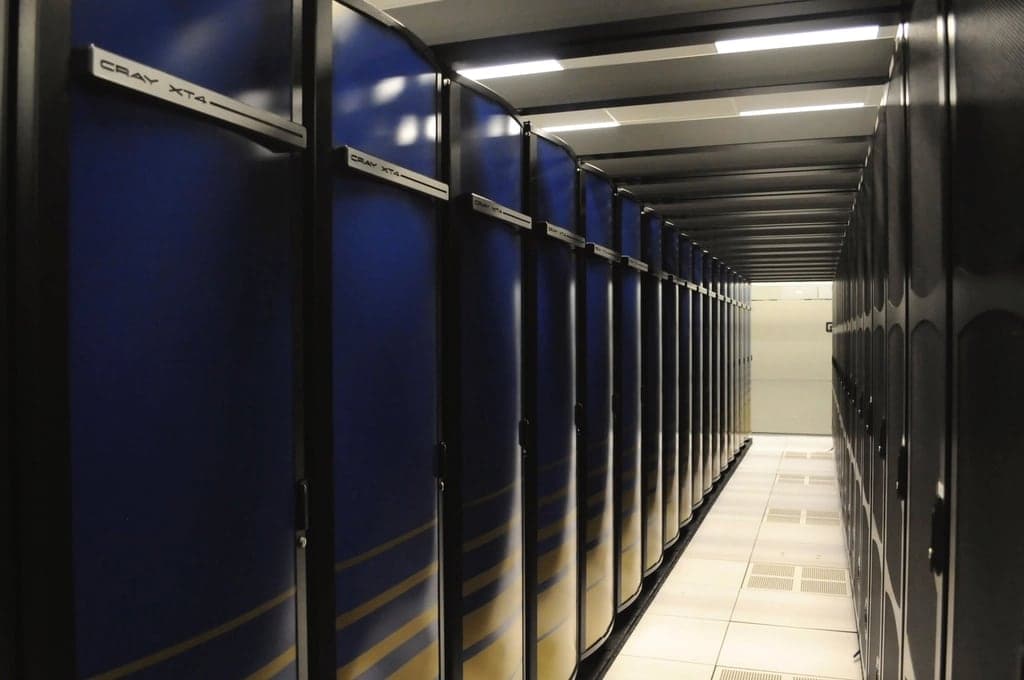
19-inch rack: rack units, depth and server cabinets
What 19 inches and a rack unit actually mean, how deep a server cabinet needs to be and how to fill a small rack with servers, a switch and a UPS.
Read more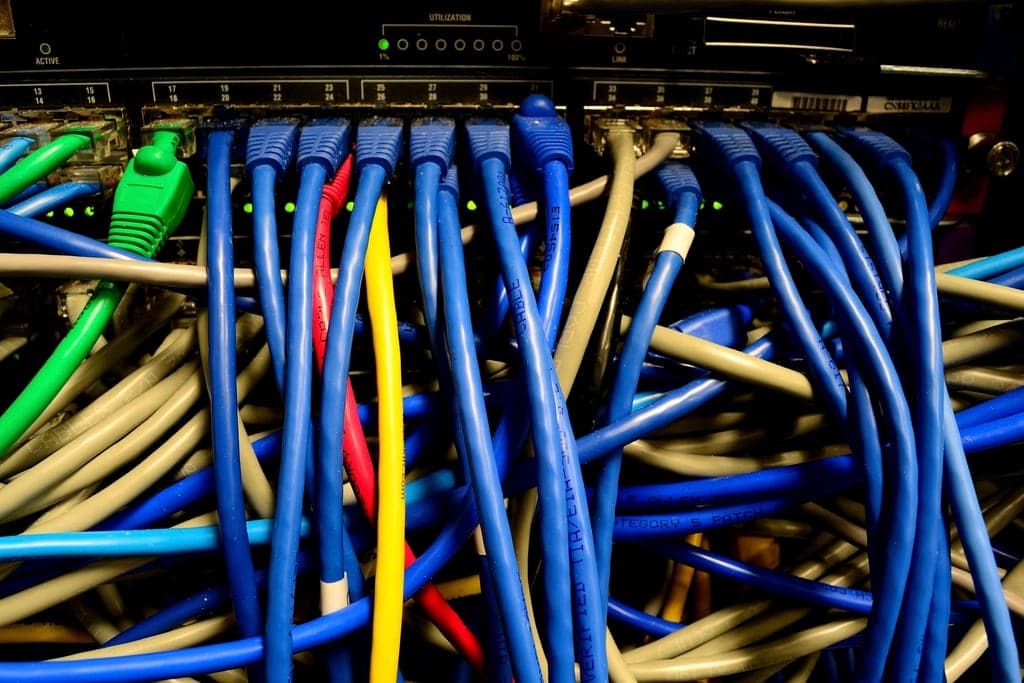
Proxmox server as a VMware alternative: hardware, migration
What Proxmox VE can do, how it differs from VMware, what hardware a Proxmox server needs and how to move your VMs across.
Read more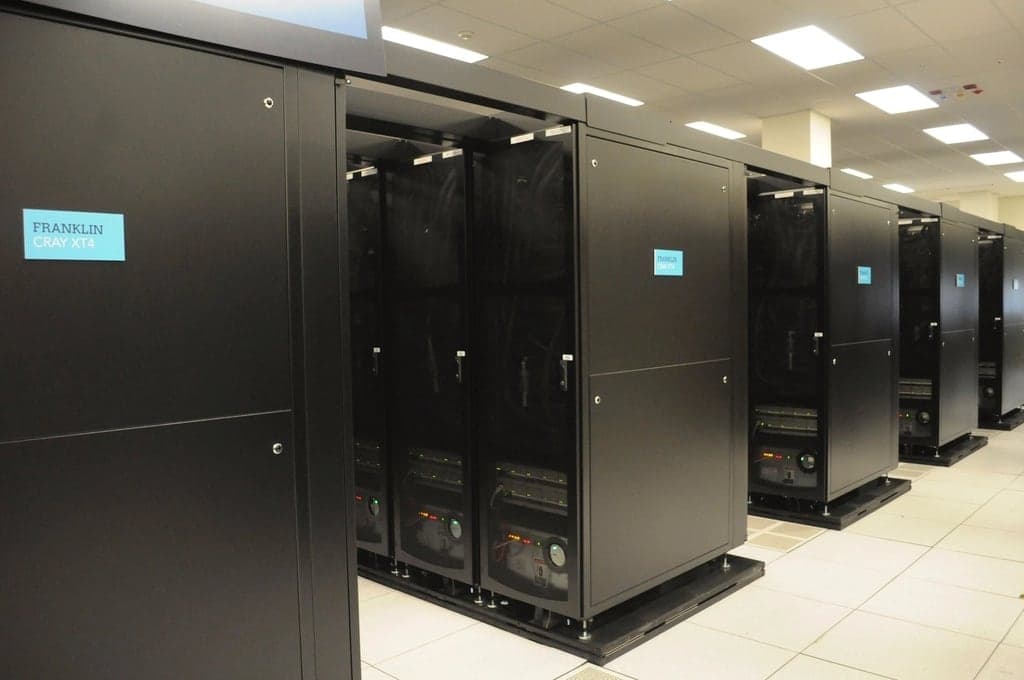
Buying used servers: what really matters
Generation, form factor, CPU, memory, controller, remote management and warranty: the points that decide whether a used server fits your workload.
Read more