Buying used servers: what really matters
Generation, form factor, CPU, memory, controller, remote management and warranty: the points that decide whether a used server fits your workload.
- Published
- Updated
- Reading time
- 8 min
- Topic
- Buying & assessing
Contents12 sections
- Used or refurbished server?
- Used servers: which generation fits?
- Form factor: 1U, 2U or tower
- Choosing a CPU: cores, clock speed and Windows licensing
- Populating memory properly
- RAID controller or HBA?
- Drives, power supplies and rails
- Remote management: iDRAC, iLO and XClarity
- Power draw and noise
- Warranty and item details
- Checklist: buying a used server
- Frequently asked questions
Key points
- For new projects, 2nd-gen Xeon Scalable (Dell 14G, HPE Gen10, Lenovo SR630/SR650) is usually the best balance of price, performance and remaining life.
- Cores cost licence money: Windows Server is licensed per physical core, so choose the CPU for the workload, not the core count.
- Populate memory evenly across all channels; hardware RAID for Windows and VMware, an HBA for ZFS and Ceph.
- Exact configuration details, remote management licence, rails and warranty separate a refurbished server from a lucky find.
Used servers from the data centre cost a fraction of the new price and handle most jobs comfortably: virtualisation, file and backup servers, databases or a homelab. Whether one fits comes down to a dozen details, from CPU generation to the remote management licence.
Used or refurbished server?
“Used” only means the machine has been in service. A refurbished server has been tested, cleaned, updated to current firmware, fitted with new wear parts where needed and is sold with a warranty. Every system we sell is checked and tested before it ships. The process is explained in Refurbished: meaning and process.
Used servers: which generation fits?
The generation sets the CPU platform, memory type and PCIe version. Dell, HPE and Lenovo refresh their ranges in step with Intel and AMD:
| Platform | Dell PowerEdge | HPE ProLiant | Lenovo | Memory and PCIe |
|---|---|---|---|---|
| Xeon E5-2600 v3/v4 (from 2014) | 13G: R630, R730, R730xd | Gen9: DL360, DL380 | – (still System x) | DDR4 up to 2,400 MT/s, 4 channels per CPU, PCIe 3.0 |
| Xeon Scalable gen 1/2 (from 2017) | 14G: R640, R740, R740xd | Gen10: DL360, DL380 | ThinkSystem SR630, SR650 | DDR4 up to 2,933 MT/s, 6 channels per CPU, PCIe 3.0 |
| Xeon Scalable gen 3 / AMD EPYC | 15G: R650, R750, AMD: R6525, R7525 | Gen10 Plus: DL360, DL380, AMD: DL385 | SR630 V2, SR650 V2, AMD: SR665 | DDR4-3200, 8 channels per CPU, PCIe 4.0 |
The middle row is usually the sweet spot: 2nd-gen Xeon Scalable parts such as the Gold 6230 or 6248 offer plenty of cores at sensible prices. 13G and Gen9 suit file servers, backup targets and test labs; 15G and Gen10 Plus suit fast NVMe storage and current GPUs. Check that your OS or hypervisor still officially supports the platform.
Form factor: 1U, 2U or tower
One rack unit (1U) is 44.45 mm tall. The form factor decides how many drives, cards and GPUs fit – and how loud the server is.
1U
e.g. Dell R640, HPE DL360 Gen10
- Saves rack space
- Up to 10 × 2.5-inch bays (R640)
- Small 40 mm fans, noticeably louder
- Usually 2–3 PCIe slots
- Low-profile GPUs only, e.g. Tesla T4 or L4
Best for: Ideal for dense racks and clusters with shared storage.
2U
e.g. Dell R740, HPE DL380 Gen10
- Up to 24 × 2.5-inch or 12 × 3.5-inch
- Up to 8 PCIe slots, double-width GPUs too
- Twice the rack space
- Around 70 cm deep, up to almost 30 kg
Best for: Ideal as an all-rounder for virtualisation, storage and GPU.
Tower
e.g. Dell T440, HPE ML350 Gen10
- Large, slow-spinning fans
- No rack needed
- Needs floor space
- Rack conversion needs a kit
Best for: Ideal for offices and homelabs without a server room.
Browse our rack servers and tower servers; for cabinet depth, see the 19-inch rack guide.
Choosing a CPU: cores, clock speed and Windows licensing
More cores are not automatically better: databases and terminal servers like clock speed, lots of small VMs like core count. A Xeon Gold 6248R has 24 cores at 3.0 GHz and a 205 W TDP; a Silver 4214 has 12 cores at 2.2 GHz and 85 W. Only with both sockets populated are all DIMM slots and usually all PCIe slots usable. See our server CPUs.
Windows Server Standard and Datacenter count every physical core, with minimums per processor and per server – currently 16 cores per server. Every core beyond that costs extra:
| Configuration (example) | Physical cores | Cores to license* |
|---|---|---|
| 1× Xeon Silver 4214 | 12 | 16 |
| 1× AMD EPYC 7302 | 16 | 16 |
| 2× Xeon Gold 6230 | 40 | 40 |
| 2× Xeon Gold 6248R | 48 | 48 |
Populating memory properly
Server CPUs spread memory access across several channels; full bandwidth needs even population. Xeon E5 v3/v4 has 4 channels per CPU, 1st and 2nd-gen Xeon Scalable 6, and 3rd-gen Xeon Scalable and AMD EPYC 7002/7003 have 8 each.
- Two 1st/2nd-gen Xeon Scalable: 12 modules (6 per CPU), e.g. 12 × 16 GB = 192 GB or 12 × 32 GB = 384 GB.
- Two Xeon E5 v4: 8 modules (4 per CPU), e.g. 8 × 32 GB = 256 GB.
- Two 3rd-gen Xeon Scalable or EPYC: 16 modules (8 per CPU), e.g. 16 × 16 GB = 256 GB.
Module types are covered in ECC RAM, RDIMM, LRDIMM and Optane; matching modules are under DDR4 ECC RAM.
RAID controller or HBA?
- Hardware RAID with protected cache, such as the Dell PERC H730P (2 GB) or H740P (8 GB), HPE Smart Array P408i-a or Lenovo RAID 930-8i: the classic choice for Windows Server, VMware ESXi and Hyper-V.
- HBA or IT mode, such as the Dell HBA330 or LSI 9300-8i: a must for ZFS, TrueNAS and Ceph, which want to see every disk directly.
- Entry controllers without cache, like the PERC H330, are fine for an SSD mirror but slow RAID 5 and 6 down noticeably.
Once data sits on the array, the choice is hard to undo. The levels are compared in RAID 1, 5, 6 or 10.
Drives, power supplies and rails
Drives: hot-plug drives sit in vendor-specific carriers (caddies); empty bays need blanks, or the airflow suffers. On used SSDs check the remaining write endurance, on hard drives the power-on hours and reallocated sectors. For interfaces, see SAS, SATA or NVMe.
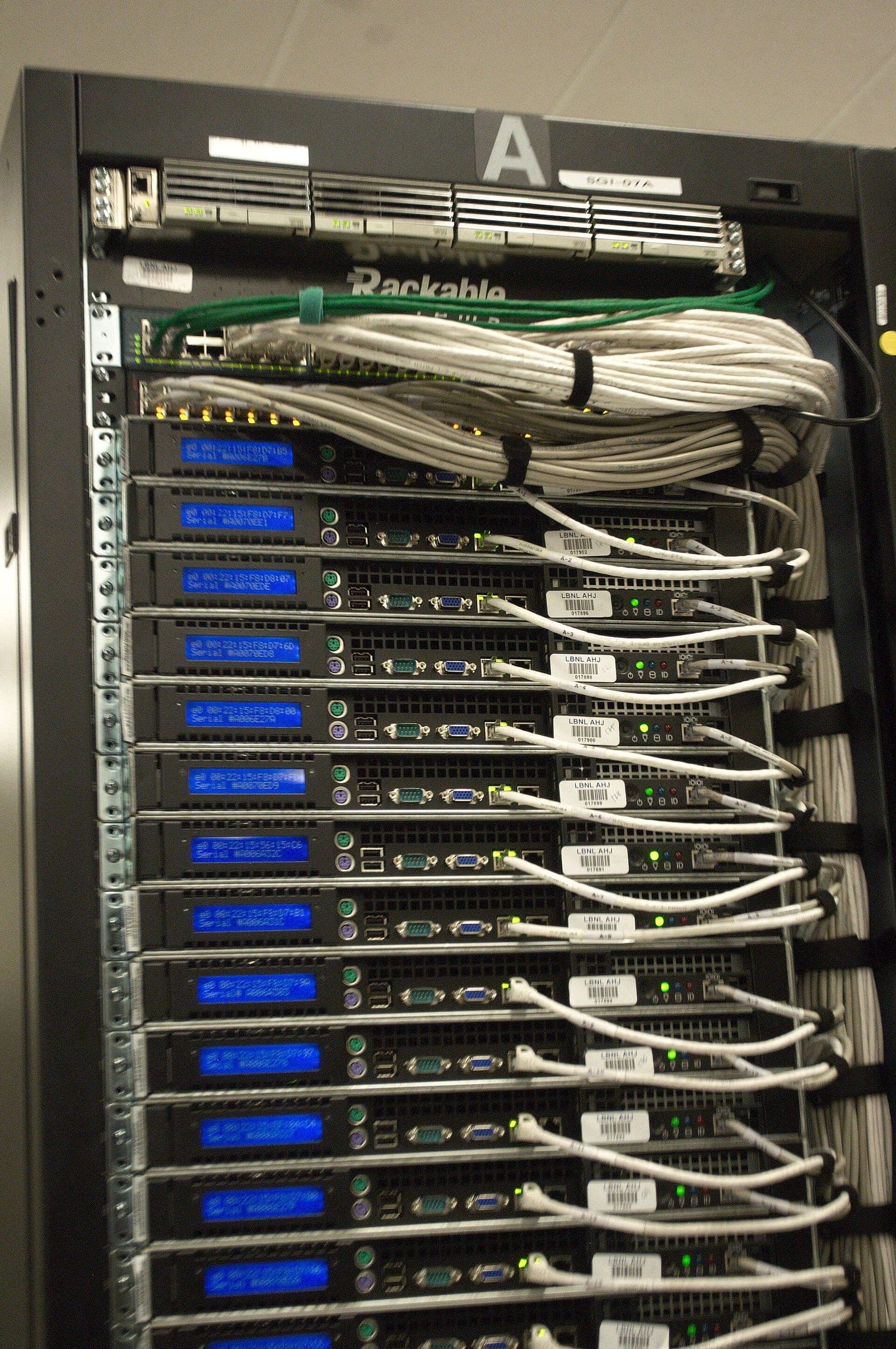
Power supplies: two redundant hot-plug PSUs are standard. A 2U server without GPUs usually needs 500 to 800 W per supply; with two GPUs, plan for 1,100 W or more. Both must match in rating and type, or the server reports a fault.
Rails: rack servers need model-specific rails for four-post cabinets. If they are missing from the offer, finding them later is a chore.
Remote management: iDRAC, iLO and XClarity
Enterprise servers have their own management controller – iDRAC on Dell, iLO on HPE, XClarity Controller on Lenovo – for remote power control, sensors, logs, firmware updates and a virtual console. Features depend on the licence tier, such as iDRAC Express or Enterprise, iLO Standard or Advanced. More in Remote management with iDRAC, iLO and IPMI.
Power draw and noise
A dual-socket 2U server idles at roughly 100 to 150 W. At an assumed 120 W around the clock and 30 cents per kWh, that is 1,051 kWh or just over €315 a year. One CPU instead of two and SSDs instead of many hard drives help: a 10,000 rpm SAS disk draws around 5 to 8 W, an idle SATA SSD 1 to 2 W.
Servers are built for plant rooms: fans run flat out at power-on, and a 1U box stays audible even at idle. Uncertified PCIe cards can raise fan speed for good. Near desks, a tower is the better choice; see the homelab server guide.
Warranty and item details
A reputable seller states exactly what you get: components, condition, firmware version and accessories such as rails or drive caddies. For the warranty, look at the term, shipping costs and replacement speed. Depending on the item we give up to 36 months’ warranty; terms are on our warranty page. To put a system together yourself, use the configurator.
Checklist: buying a used server
- Generation fits your OS, hypervisor and planned service life
- Form factor fits your rack, noise limits and cards
- CPU cores match workload and licence model
- Memory spread evenly across channels, one module type
- Controller matches the file system: RAID or HBA
- Drive carriers, blanks and rails complete
- Two identical PSUs with enough headroom
- Remote management licence known, controller reset
- Configuration and warranty term in writing on the quote or invoice
Frequently asked questions
Short answers to the questions we hear most often on this topic.
Is it worth buying used servers?
For most businesses and homelabs, yes. A three to five-year-old enterprise server costs a fraction of the new price and is fast enough for most workloads. With checked hardware and a warranty, the risk stays low.
Which server generation should I buy used?
For new projects, usually 2nd-gen Xeon Scalable: Dell 14G, HPE Gen10 or Lenovo SR630 and SR650. Dell 13G and HPE Gen9 suit budget jobs; 15G and Gen10 Plus suit PCIe 4.0 NVMe and current GPUs.
How much power does a used server use?
A dual-socket 2U server typically idles at 100 to 150 watts and draws much more under load. At 120 watts around the clock and an assumed 30 cents per kWh, that is roughly 315 euros a year.
Do more CPU cores mean more Windows Server licences?
Yes. Windows Server is currently licensed per physical core, with minimums per CPU and per server. Check the current terms with Microsoft or your licensing reseller.
Keep reading
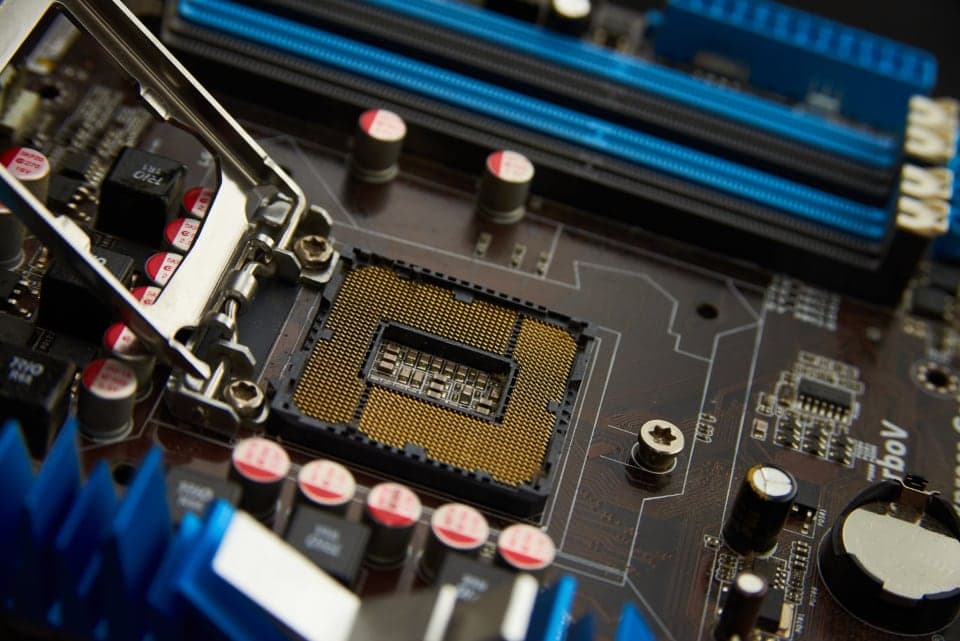
Refurbished meaning: what a refurbished server really is
Refurbished means more than used. What the term covers, how proper refurbishing works and how to spot a reputable seller.
Read more
AI servers for local LLMs: Tesla P40, V100, L4 or A100?
How much GPU memory a language model needs, which data-centre GPU suits which budget and what matters for cooling, power and software.
Read more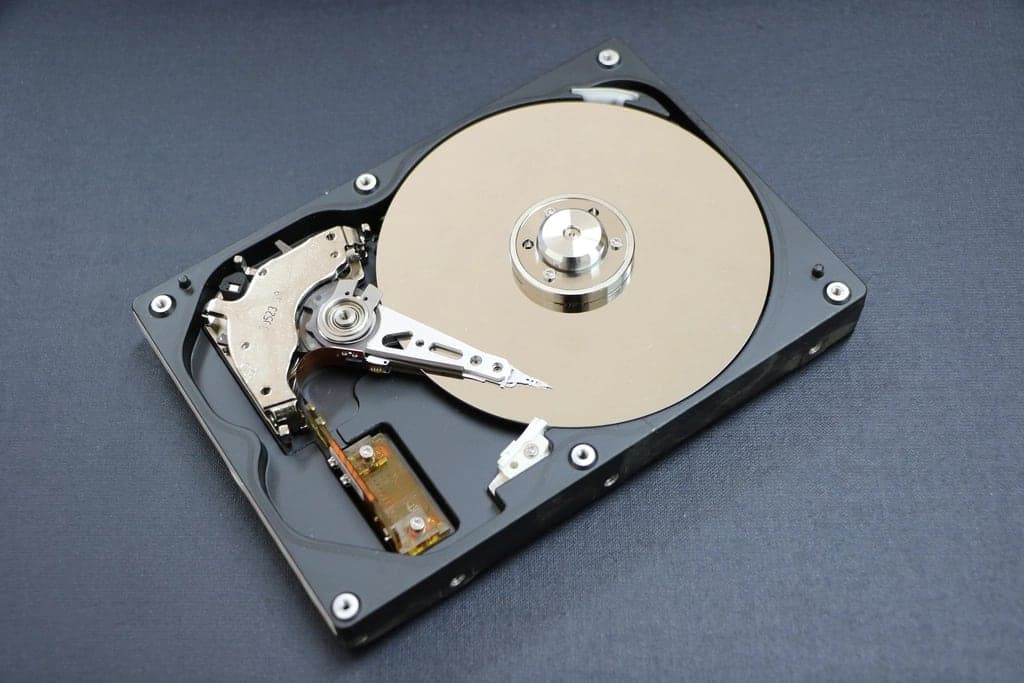
RAID 10, RAID 5 or RAID 6? RAID levels compared
From RAID 0 to RAID 60: what each level gives you in capacity, safety and write speed, why large hard drives need RAID 6 and when an HBA is the better fit.
Read more