RAID 10, RAID 5 or RAID 6? RAID levels compared
From RAID 0 to RAID 60: what each level gives you in capacity, safety and write speed, why large hard drives need RAID 6 and when an HBA is the better fit.
- Published
- Updated
- Reading time
- 8 min
- Topic
- Memory & storage
Contents9 sections
- RAID levels at a glance: RAID 0 to RAID 60
- Worked example: usable capacity with 8 × 2.4 TB
- RAID 5 vs RAID 10: capacity against performance
- RAID 6 for large hard drives: rebuild time and URE risk
- RAID controller, software RAID or HBA?
- Hot spares: rebuilds without waiting
- SSDs in RAID
- RAID is not a backup: the 3-2-1 rule
- Frequently asked questions
Key points
- RAID 10 is the default for VMs and databases: half the capacity, but only two disk operations per write and short rebuilds.
- RAID 6 belongs with large hard drives. A rebuild can easily take a day – RAID 5 cannot survive another error in that window.
- ZFS, TrueNAS and Ceph need an HBA or IT mode, not a hardware RAID controller.
- RAID is not a backup. Back up separately, following the 3-2-1 rule.
RAID spreads data across several drives so a failed disk doesn't mean lost data. Most servers end up with RAID 1 for the OS, RAID 10 for VMs and databases, and RAID 6 for large data stores. Here is why, how to work out capacity and which RAID controller suits which job.
RAID levels at a glance: RAID 0 to RAID 60
“n” is the number of drives; the write penalty is how many physical operations one small write triggers.
| Level | Min. drives | Usable capacity | Survives | Write penalty | Typical use |
|---|---|---|---|---|---|
| RAID 0 | 2 | 100 % | no failure | 1 | scratch data only |
| RAID 1 | 2 | 50 % | 1 drive | 2 | boot drives, small servers |
| RAID 5 | 3 | n − 1 | 1 drive | 4 | SSD arrays, mostly reads |
| RAID 6 | 4 | n − 2 | 2 drives | 6 | large HDDs, backup targets |
| RAID 10 | 4 | 50 % | 1 per mirror pair | 2 | VMs, databases |
| RAID 50 | 6 | n − 1 per group | 1 per group | 4 | large arrays, mostly reads |
| RAID 60 | 8 | n − 2 per group | 2 per group | 6 | very large HDD arrays |
What the write penalty means in practice
For each small write, RAID 5 reads old data and old parity, then writes both back: four operations. RAID 6 needs six; mirrors write twice. Eight 10K SAS disks at an assumed 180 IOPS each give about 1,440 IOPS. For purely random writes, RAID 10 leaves about 720, RAID 5 360 and RAID 6 240. Controller cache softens this, but doesn't remove it.
Worked example: usable capacity with 8 × 2.4 TB
A Dell PowerEdge R740 with 8 SFF bays, fully populated with 2.4 TB 10,000 rpm SAS disks, has 19.2 TB raw. What you can use:
- RAID 5: 16.8 TB (7 × 2.4 TB)
- RAID 6: 14.4 TB (6 × 2.4 TB)
- RAID 50 from two groups of four: also 14.4 TB
- RAID 10: 9.6 TB (four mirror pairs)
The OS counts in tebibytes, so 9.6 TB shows as about 8.7 TiB. RAID 6 and RAID 50 give the same capacity, but RAID 6 survives any two failures, RAID 50 only one per group. RAID 50 and 60 pay off from about twelve drives.
RAID 5 vs RAID 10: capacity against performance
With four to eight drives, the usual question is RAID 5 or RAID 10. Both reliably survive one failure, but behave very differently under load.
RAID 10
Mirroring plus striping
- Write penalty of 2, high random-write IOPS
- Fast rebuild, only the mirror partner is read
- Survives failures in different mirror pairs
- Only 50 % of raw capacity usable
- If both drives in a pair fail, the array is lost
Best for: Ideal for hypervisors and databases.
RAID 5
Striping with single parity
- Only one drive lost to parity
- Good sequential performance
- A sound compromise with SSDs
- Write penalty of 4, slow random writes
- A rebuild reads every remaining drive
- No redundancy during the rebuild
Best for: Ideal for SSD arrays and read-heavy data.
We recommend RAID 10 for virtualisation hosts despite the capacity cost. With SSDs and mostly reads, RAID 5 works well; for boot drives, RAID 1 on two small SSDs is enough.
RAID 6 for large hard drives: rebuild time and URE risk
A RAID 5 rebuild reads every sector of every remaining drive. With a 12 TB Seagate Exos X12 at an assumed 180 MB/s, writing the replacement alone takes over 18 hours; under production load it can stretch to days, with no redundancy.
Then there are unrecoverable read errors (UREs). Nearline drives are typically rated at no more than one per 10¹⁵ bits read, about one per 125 TB. Rebuilding a RAID 5 of eight 12 TB disks reads 84 TB – on paper a roughly 50 % chance of hitting one. Real drives usually do better, but if it happens, the rebuild aborts or leaves bad blocks.
RAID 6 keeps a second parity block during the rebuild, absorbing read errors or even another failed disk – the standard for large HDD arrays.
RAID controller, software RAID or HBA?
Hardware RAID with protected cache
A hardware RAID controller has its own processor and 1 to 4 GB of cache; the OS sees one logical drive. Its write cache needs protection: a battery or capacitor powers it long enough to copy it to flash in a power cut. Without that, the controller drops to write-through and writes slow to a crawl. Typical examples are the Dell PERC H730P with 2 GB NV cache and the HPE Smart Array P408i-a with 2 GB FBWC. VMware ESXi has no software RAID and relies on such controllers.
Software RAID
Linux mdadm or Windows Storage Spaces cost little CPU and can be imported on any other machine. But there is no protected write cache, and without a journal RAID 5 and 6 risk the write hole after a power cut.
HBA and IT mode for ZFS
ZFS, TrueNAS and Ceph manage redundancy themselves and need direct access to every disk, SMART data included. Hardware RAID underneath would hide errors and defeat ZFS self-healing, so use a host bus adapter (HBA) or a controller in IT mode. ZFS brings its own levels: RAIDZ1 to RAIDZ3 with one to three parity disks, plus striped mirrors as the RAID 10 equivalent. A Proxmox server with ZFS needs an HBA too.
| Controller | Type | Cache | Best for |
|---|---|---|---|
| Dell PERC H730P | hardware RAID, 12 Gb/s SAS | 2 GB NV cache with battery | PowerEdge 13G/14G, Windows, VMware |
| HPE Smart Array P408i-a | hardware RAID, AROC module | 2 GB FBWC | ProLiant Gen10, mixed mode too |
| Dell HBA330 | HBA, LSI SAS3008 | no cache | ZFS, Ceph, vSAN in PowerEdge |
| LSI 9300-8i (IT mode) | HBA, 12 Gb/s SAS/SATA | no cache | ZFS, TrueNAS, Proxmox |
| Broadcom HBA 9400-8i | tri-mode: SAS, SATA, NVMe | no cache | ZFS with NVMe and SAS |
The P408i-a only fits ProLiant Gen10 and Dell controllers suit PowerEdge; the LSI and Broadcom HBAs are vendor-neutral.
Hot spares: rebuilds without waiting
A hot spare is an installed but idle drive: when a disk fails, the rebuild starts at once, even at night. A dedicated spare serves one array, a global one every array on the controller. It must match the other drives in type and size.
SSDs in RAID
A 1.92 TB SAS SSD often rebuilds in a few hours, and read errors are rarer than on large HDDs. RAID 5 is fine with SSDs; RAID 10 stays ahead for write-heavy databases. Keep in mind:
- Power loss protection: use enterprise SSDs with capacitors protecting the cache, such as the Samsung PM893.
- Wear: in a mirror both SSDs wear at the same rate, so check the DWPD rating.
- NVMe: SAS RAID controllers such as the H730P cannot attach NVMe. Use ZFS, software RAID or a tri-mode controller – see our guide to SAS, SATA and NVMe.
RAID is not a backup: the 3-2-1 rule
RAID doesn't protect against deletion, ransomware, a faulty controller or fire: every change hits all drives at once. Follow the 3-2-1 rule: three copies on two types of media, one off site. A good backup target is a storage server with large disks in RAID 6, such as a Dell PowerEdge R740xd with 12 × 3.5-inch bays.
Frequently asked questions
Short answers to the questions we hear most often on this topic.
Which is better, RAID 5 or RAID 10?
For VMs and databases, RAID 10: it handles random writes about twice as fast and rebuilds more quickly. RAID 5 offers more capacity and suits SSDs and read-heavy data.
How many drives does RAID 10 need, and how many can fail?
At least four, always an even number, with half the capacity usable. It survives one failure for sure, and more as long as each mirror pair keeps one drive.
Is RAID 6 slower than RAID 5?
Barely for reads. For writes, yes: six disk operations per small write instead of four, though a protected controller cache hides much of it.
Do I need a RAID controller or is an HBA enough?
For Windows Server and VMware ESXi, a hardware RAID controller with protected cache is the norm. ZFS, TrueNAS and Ceph need an HBA or a controller in IT mode.
Does RAID replace a backup?
No. RAID only covers drive failures; deleted or encrypted data is gone on every drive at once.
Keep reading
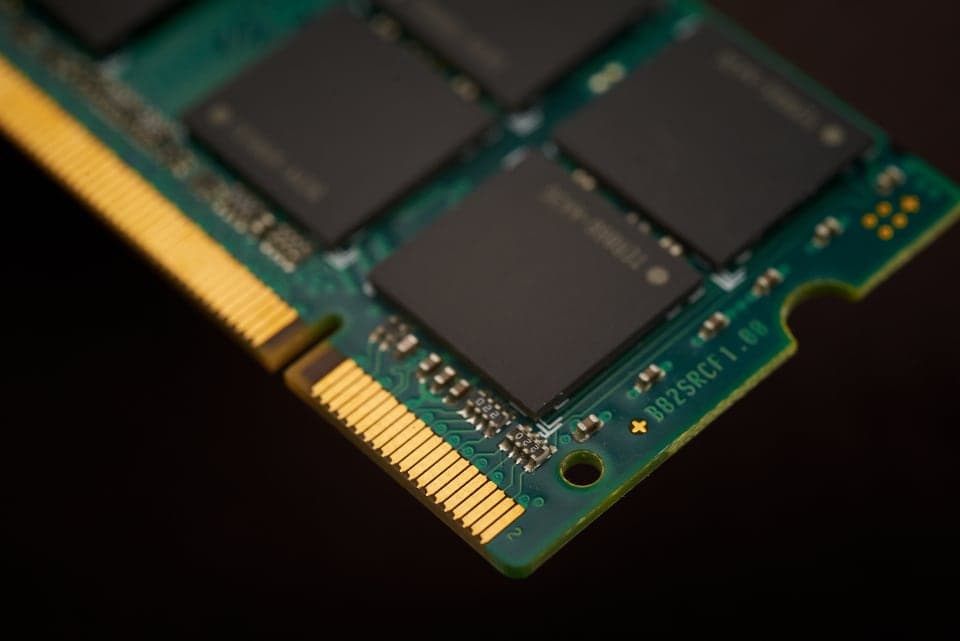
ECC RAM explained: UDIMM, RDIMM, LRDIMM and channels
Error correction, module types, ranks and memory channels: what to know before you buy or upgrade server memory.
Read more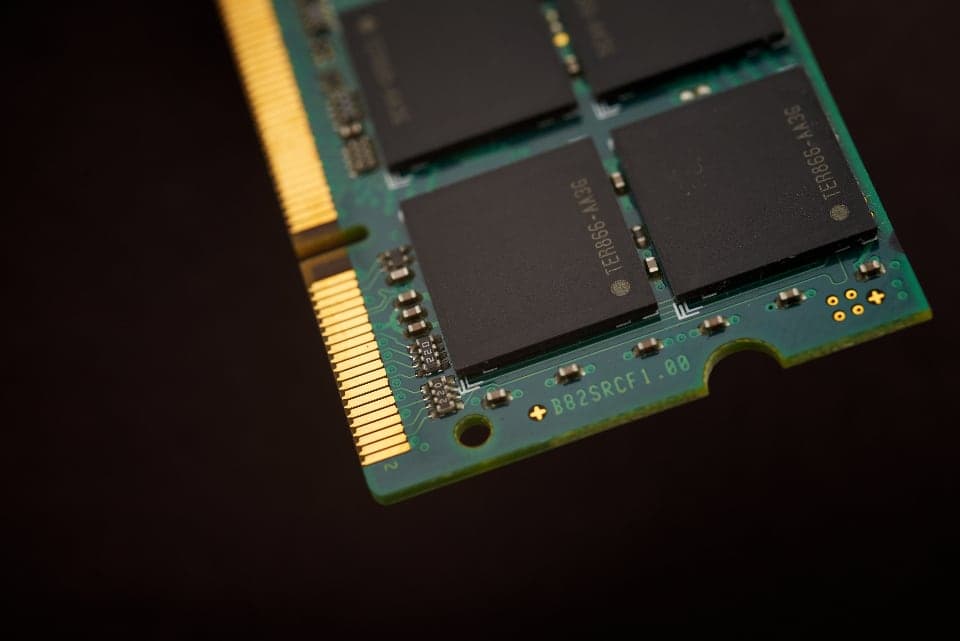
Intel Optane PMem: Memory Mode and App Direct explained
Terabytes of memory for a fraction of the DRAM cost: how Optane PMem works, which servers support it and where the traps are.
Read more
SAS vs SATA vs NVMe: choosing server SSDs and SAS drives
Interfaces, form factors, endurance classes and backplanes: how to find the right drive for your server.
Read more