How to read a server RAM label: PC4-2400T, 1Rx8 vs 2Rx8
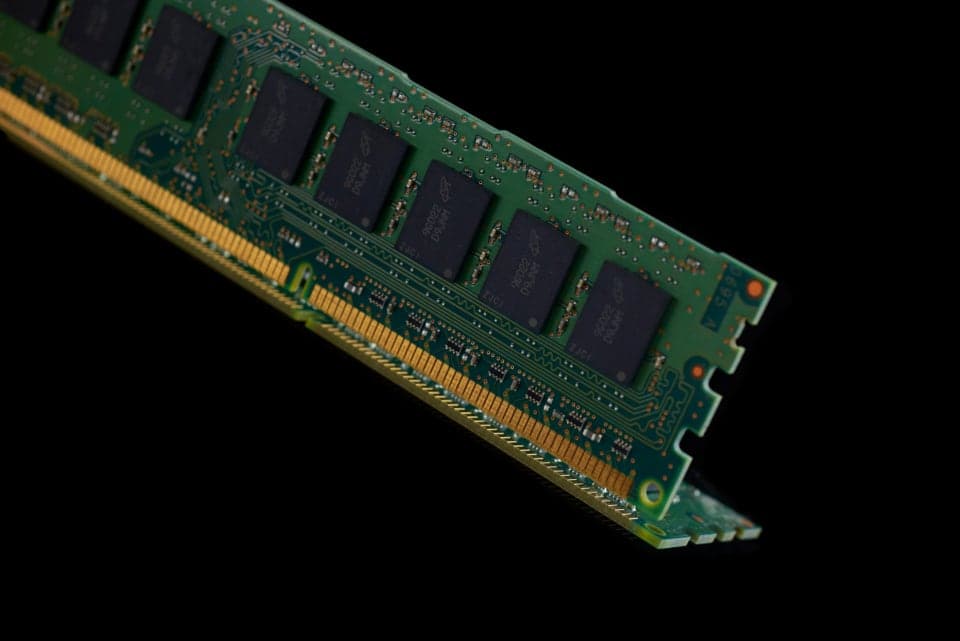
A line such as 8GB 1Rx8 PC4-2400T-RD0-11 holds everything that matters when you upgrade. Here is how to decode it, one part at a time.
- Published
- Updated
- Reading time
- 8 min
- Topic
- Memory & storage
Contents10 sections
- How a RAM label is structured
- PC3, PC4, PC5 and the number that follows
- Speed bins: what P, T, V, Y and AA mean
- RDIMM marking, raw card and SPD revision
- Ranks and chip width: 1Rx8, 2Rx8 and 2Rx4
- Example labels decoded
- Part numbers from Samsung, Micron and SK hynix
- Which memory speed your CPU supports
- Checklist: buying matching modules
- Frequently asked questions
Key points
- The JEDEC label gives a module's capacity, ranks, chip width, DDR generation, data rate, latency grade and type.
- PC4-2400T means DDR4-2400 at CL17, PC4-2133P DDR4-2133 at CL15. The letter after the second hyphen is the module type, such as R for RDIMM.
- 1Rx8 vs 2Rx8 is about rank count. On many platforms x4 modules enable advanced error correction such as Chipkill or SDDC.
- When buying more, match module type and layout. Speed follows the slowest module, the CPU and the population.
Every server memory module carries a label with a line such as 8GB 1Rx8 PC4-2400T-RD0-11. Once you know how to read a server RAM label, you can tell whether a module fits. This guide takes the code apart, explains 1Rx8 vs 2Rx8 and ends with a checklist for buying server RAM. For ECC, RDIMM and LRDIMM basics, see ECC RAM explained.
How a RAM label is structured
Most modules follow a scheme set by the standards body JEDEC. Taking 8GB 1Rx8 PC4-2400T-RD0-11 as an example:
- 8GB: usable capacity, excluding check bits
- 1Rx8: one rank of chips with an 8-bit data width
- PC4: the generation, here DDR4
- 2400: the data rate in MT/s (megatransfers per second)
- T: the speed bin, i.e. the latency grade
- R: the module type, here RDIMM
- D0: reference raw card D, revision 0
- 11: the SPD data revision
PC3, PC4, PC5 and the number that follows
The digit after PC is the generation: PC3 is DDR3, PC4 DDR4, PC5 DDR5. Each has its notch in a different place and won't fit the others' slots. PC3L marks DDR3 modules that can also run at 1.35 V instead of 1.5 V.
On DDR4 the data rate follows: PC4-2400 means DDR4-2400. DDR3 labels showed bandwidth in MB/s, such as PC3-12800 for DDR3-1600, and many sellers still use that style. A module moves 8 bytes per transfer, so 2400 MT/s gives 19,200 MB/s – hence PC4-19200. Likewise, PC4-17000 is DDR4-2133, PC4-21300 DDR4-2666 and PC4-25600 DDR4-3200.
Speed bins: what P, T, V, Y and AA mean
The letter after the data rate is the speed bin. JEDEC defines several timing grades per data rate, and the letter says which one the module meets. The key figure is CAS latency (CL), the clock cycles between a read command and the first data. On server RDIMMs you will mostly see:
- PC4-2133P: DDR4-2133 at CL15
- PC4-2400T: DDR4-2400 at CL17
- PC4-2666V: DDR4-2666 at CL19
- PC4-2933Y: DDR4-2933 at CL21
- PC4-3200AA: DDR4-3200 at CL22
So the PC4-2400T meaning is DDR4 at 2400 MT/s with CL17. Each step adds cycles, but the clock rises too, so latency in nanoseconds stays at around 14 ns for all five. With mixed speed bins, the BIOS picks timings every module can handle, so the letter matters less than type and ranks.
RDIMM marking, raw card and SPD revision
After the second hyphen comes a letter for the module type:
- R: RDIMM, the standard in dual-socket servers
- L: LRDIMM for very large configurations
- E: UDIMM with ECC, for entry servers, workstations and Ryzen systems with ECC
- U: UDIMM without ECC, a typical desktop module
- S: SO-DIMM for laptops and mini PCs
The next letter is the JEDEC reference raw card, the digit its revision. The Micron 8 GB DDR4-2133 RDIMM, for example, reads PC4-2133P-RE1-11, the Samsung 8 GB DDR4-2133 RDIMM PC4-2133P-RE0-10: same raw card E, different revision, equivalent for the server.
The number at the end, such as -10 or -11, is the SPD data revision. The SPD is a small chip from which the BIOS reads size, speed and timings at boot. Neither matters much when buying, but both help you spot truly identical modules.
Ranks and chip width: 1Rx8, 2Rx8 and 2Rx4
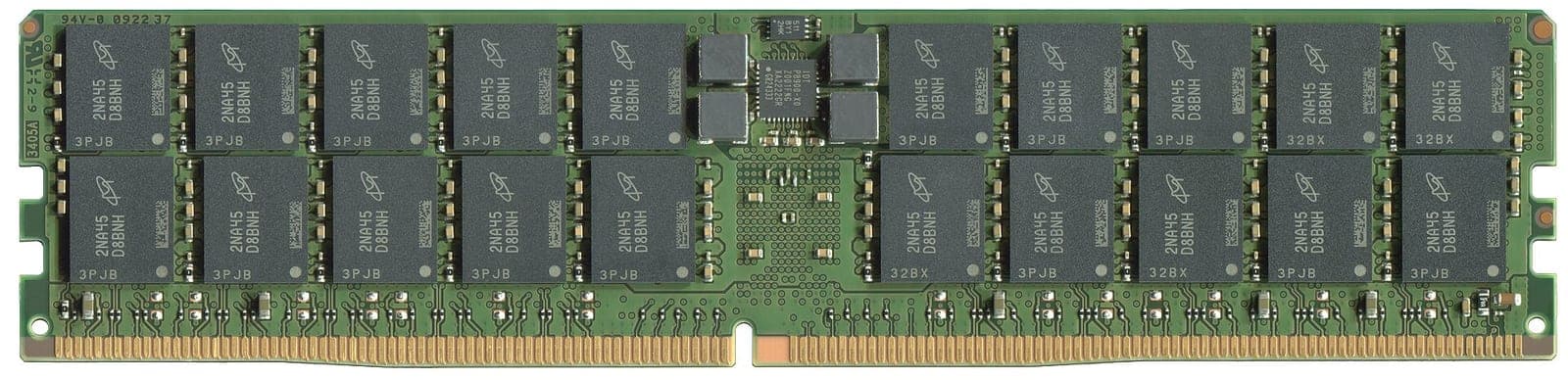
The number before the R is the rank count; the figure after the x is each chip's data width. A rank is a group of chips that together serve the 72-bit interface. LRDIMMs often read 4DRx4: four ranks of x4 chips with two dies per package (dual-die package).
1Rx8 vs 2Rx8: the difference
8 GB modules come as 1Rx8 and 2Rx8. The Samsung 8 GB DDR4-2400 RDIMM 1Rx8 uses nine 8 Gbit chips, the 2Rx8 versions eighteen 4 Gbit chips.
- Performance: two ranks per channel let the controller interleave accesses. With only one single-rank module per channel, bandwidth can be slightly lower.
- Power: fewer chips draw slightly less power.
- Mixing: many servers accept 1R and 2R modules of the same type together. Some manuals want the higher-rank modules fitted first.
x4 or x8: why chip width matters
x4 modules spread data across more, narrower chips. If one fails, only 4 bits per access are lost, which advanced schemes such as Chipkill or SDDC can correct. Many platforms therefore offer them only with x4 modules. x8 modules are usually cheaper and often fine for a homelab or smaller server.
Example labels decoded
| Label | Layout | Generation | Speed bin | Module type |
|---|---|---|---|---|
| 8GB 1Rx8 PC4-2400T-RD0-11 | 1 rank, x8 | DDR4-2400 (PC4-19200) | T = CL17 | RDIMM, raw card D |
| 8GB 2Rx8 PC4-2133P-RE1-11 | 2 ranks, x8 | DDR4-2133 (PC4-17000) | P = CL15 | RDIMM, raw card E |
| 32GB 2Rx4 PC4-2666V-RB2-12 | 2 ranks, x4 | DDR4-2666 (PC4-21300) | V = CL19 | RDIMM, raw card B |
| 64GB 4DRx4 PC4-2933Y-LD2-12 | 4 ranks, x4, dual-die | DDR4-2933 | Y = CL21 | LRDIMM, raw card D |
| 16GB 1Rx8 PC4-3200AA-EB2-12 | 1 rank, x8 | DDR4-3200 (PC4-25600) | AA = CL22 | ECC UDIMM, raw card B |
Part numbers from Samsung, Micron and SK hynix
The module maker's part number often encodes the same details differently:
- Samsung: M393A is a DDR4 RDIMM; DDR3 RDIMMs read M393B.
- Micron: DDR4 modules start with MTA, followed by the chip count, such as 18 for 2Rx8. The digits 72 further along indicate a 72-bit interface, i.e. ECC.
- SK hynix: DDR4 modules use the prefix HMA, DDR3 modules HMT.
Dell, HPE and Lenovo source modules from these makers and assign their own part numbers, useful for your server's parts list. Compatibility, though, comes down to type, rank layout, chip width and speed.
Which memory speed your CPU supports
The label only states what the module can do. Actual speed depends on the CPU and population. Ceilings of common DDR4 platforms:
- Xeon E5 v3: up to DDR4-2133
- Xeon E5 v4: up to DDR4-2400
- Xeon Scalable gen 1: up to DDR4-2666
- Xeon Scalable gen 2: up to DDR4-2933
These apply to the fastest models; lower-end CPUs often support less. With two or three modules per channel, many servers drop the speed further. A PC4-2400T module in a Xeon E5 v3 server therefore runs at 2133 MT/s – fine, but no gain. Conversely, one 2133 module in an E5 v4 system slows all the others to 2133 MT/s. Slot plans and speeds per layout for specific servers are in our guides to the Dell R730 and HPE DL380 Gen9 and the Dell R740 and HPE DL380 Gen10.
Checklist: buying matching modules
Take stock
Note the labels of the installed modules. Without opening the server, use sudo dmidecode -t memory on Linux, or iDRAC, iLO or XClarity.Match the module type
RDIMM stays RDIMM, LRDIMM stays LRDIMM. A module with E or U on its label doesn't belong with R modules.Match the layout
Identical capacity, rank count and chip width are safest. If you rely on x4 and Chipkill, buy x4 again.Choose the speed
All modules run as fast as the slowest and never faster than the CPU and population allow.Check the manual
Slot order, permitted combinations and speed with several modules per channel are in the server manual.
The same points apply when buying a complete server; see Buying used servers.
Matching items from our range
€49.99
incl. 19% VAT, net €42.01
€39.95
incl. 19% VAT, net €33.57
€39.95
incl. 19% VAT, net €33.57
Frequently asked questions
Short answers to the questions we hear most often on this topic.
What does PC4-2400T mean?
PC4 stands for DDR4 and 2400 for 2400 MT/s. The letter T is the speed bin and corresponds to a CAS latency of 17 cycles. The module type follows in the next part of the label, such as R for RDIMM.
What is the difference between 1Rx8 and 2Rx8?
1Rx8 means one rank of 8-bit chips, 2Rx8 two ranks. At the same capacity, the 1Rx8 module uses half as many chips of twice the size. Two ranks per channel can be slightly faster depending on the workload.
What does PC4-2133P mean?
DDR4 at 2133 MT/s with speed bin P, which is CL15. These modules suit Xeon E5 v3 servers, which support DDR4-2133 at most.
Can I mix PC4-2400T and PC4-2133P modules?
Usually yes, if module type, chip width and layout match. All modules then run at 2133 MT/s. Whether different rank counts are allowed is stated in the server manual.
How can I tell an RDIMM from its label?
By the letter R straight after the second hyphen, as in PC4-2400T-RD0-11. L stands for LRDIMM, E for ECC UDIMM, U for UDIMM without ECC and S for SO-DIMM.
Matching products
From our warehouse in Germany, tested and under warranty.
- Used12 mo. warranty
Intel, Intel Optane PMem
Intel Optane PMem 100 128 GB
Part no.NMA1XXD128GPS- 128 GB Optane Persistent Memory 100
- Memory Mode or App Direct
On request
€179.99
incl. 19% VAT, net €151.25
Keep reading
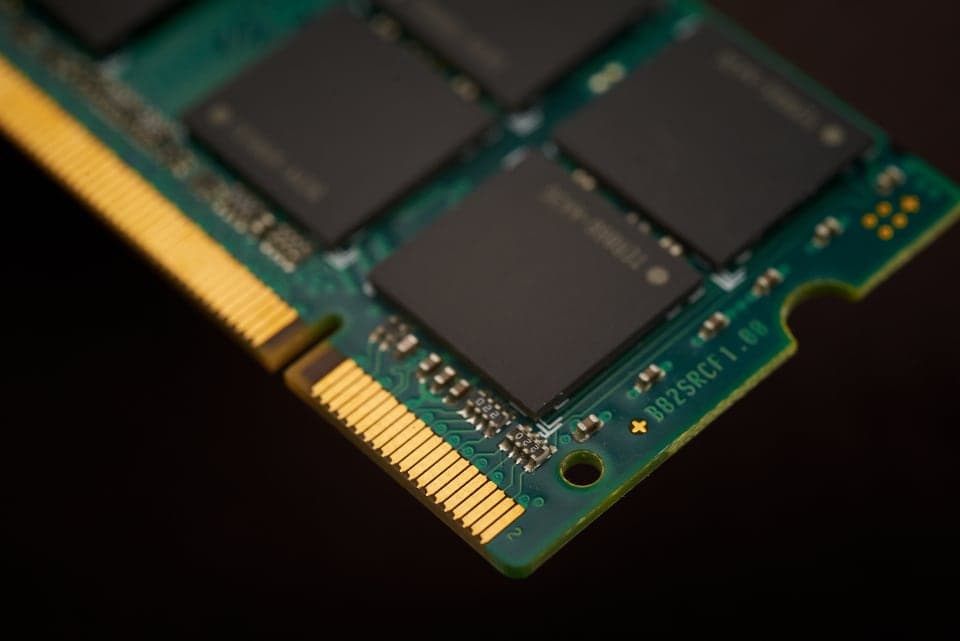
ECC RAM explained: UDIMM, RDIMM, LRDIMM and channels
Error correction, module types, ranks and memory channels: what to know before you buy or upgrade server memory.
Read moreDell R730 memory upgrade: RAM for R630 and DL380 Gen9
Which DDR4 modules fit Dell PowerEdge 13G and HPE ProLiant Gen9, how to populate the 24 slots properly and how to check the result in iDRAC or iLO.
Read more
Dell R740 memory & HPE DL380 Gen10 RAM: slots and speed
Six channels per CPU, 24 slots and a speed that depends on the CPU: how to populate Dell PowerEdge 14G and HPE ProLiant Gen10 servers properly.
Read more