ECC vs non-ECC RAM: homelab, Ryzen and TrueNAS
Is ECC memory worth it for a NAS, a Proxmox host or a Ryzen build? What ECC protects, which platforms really use it and how to check that it is active.
- Published
- Reading time
- 8 min
- Topic
- Memory & storage
Contents8 sections
Key points
- ECC corrects single-bit errors in memory and reports them. It replaces neither backups nor checksums on the drives.
- Whether ECC works depends on CPU and motherboard. Ryzen without graphics supports ECC if the board enables it; Intel Core only with a workstation chipset such as W680.
- Desktop boards need ECC UDIMMs. Server RDIMMs won't run there, even though they fit the slot with DDR4.
- ZFS and TrueNAS run without ECC. For a NAS holding important data, ECC is still the recommended choice.
The ECC vs non-ECC question mostly comes up with self-builds: a TrueNAS box, a Ryzen-based Proxmox host or a retired desktop turned homelab server. Used servers have ECC as standard anyway. How ECC works technically and what RDIMMs and LRDIMMs are is covered in ECC RAM explained. This guide is about practice at home: which platforms really use ECC, how to check it and when the extra cost pays off.
What ECC protects – and what it doesn't
An ECC module stores 8 check bits for every 64 data bits. The memory controller in the CPU uses them to correct one wrong bit and detect two. Because the check happens in the controller, errors on the way between module and CPU are caught as well. Just as important in daily use: corrected errors are logged, so a module that is slowly failing shows up before it damages data.
ECC has clear limits:
- No help against software bugs, mistakes, ransomware or failing drives. Drives are protected by checksums and RAID or ZFS redundancy.
- Multi-bit errors are detected but not corrected. The system then usually halts rather than carry on with bad data.
- No substitute for a backup. ECC prevents silent corruption in RAM, not data loss.
Which platforms support ECC
ECC only works when CPU, motherboard and modules play together. An ECC module in a board without ECC support usually just runs as a normal module, with no correction.
| Platform | ECC support | Module type |
|---|---|---|
| AMD Ryzen AM4 (no G in the name) | yes, if the motherboard enables it | DDR4 ECC UDIMM |
| AMD Ryzen AM4 APU (G models) | PRO versions only | DDR4 ECC UDIMM |
| AMD Ryzen AM5 | yes, on selected motherboards | DDR5 ECC UDIMM |
| Intel Core (Z and B chipsets) | no | – |
| Intel Core gen 12–14 with W680 | yes | DDR4 or DDR5 ECC UDIMM |
| Intel Xeon E, Xeon W | yes | ECC UDIMM, RDIMM on some Xeon W series |
| Xeon Scalable, AMD EPYC | yes | RDIMM or LRDIMM |
Ryzen on AM4 and AM5
The memory controller in Ryzen CPUs without integrated graphics supports ECC. On desktop platforms, though, AMD doesn't validate it itself and leaves it to the board makers. Some boards list ECC explicitly in the spec sheet and memory list; others accept ECC modules but never switch correction on. Among the APUs with a G in the name, usually only the PRO models support ECC. Check the ECC entry on AMD's product page and in the board manual.
AM5 follows the same principle with DDR5 ECC UDIMMs. Fewer boards document ECC support, and fewer modules are available. Error reporting is the second issue: even when ECC corrects errors, not every board passes the events on to the operating system.
Intel: Core, Xeon E and Xeon W
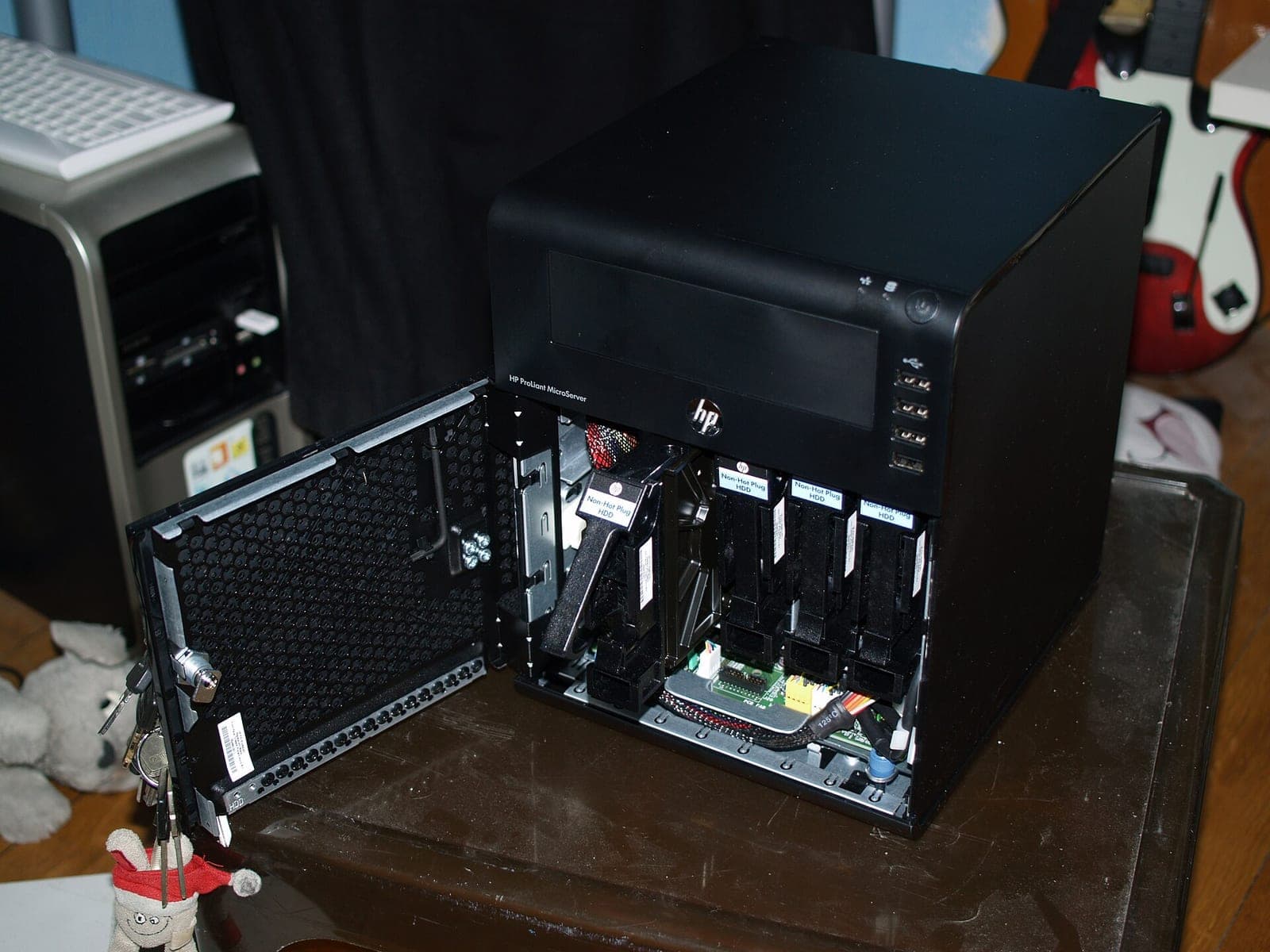
Intel draws a stricter line. 12th to 14th gen Core CPUs only support ECC on boards with the W680 workstation chipset, not on Z or B boards. Xeon E (as in the HPE MicroServer Gen10 Plus, see our homelab server guide) and Xeon W are built for ECC from the start. Servers with Xeon Scalable or EPYC use registered modules.
ECC UDIMM and RDIMM: not interchangeable
Desktop and workstation platforms use ECC UDIMMs, unbuffered modules with ECC. Servers use RDIMMs with a register chip. With DDR4 both share the same notch and physically fit the same slot. An RDIMM still won't boot on a Ryzen or Core board; the screen stays black. Servers, in turn, don't accept UDIMMs. With DDR5 the notches differ, so the types don't even fit.
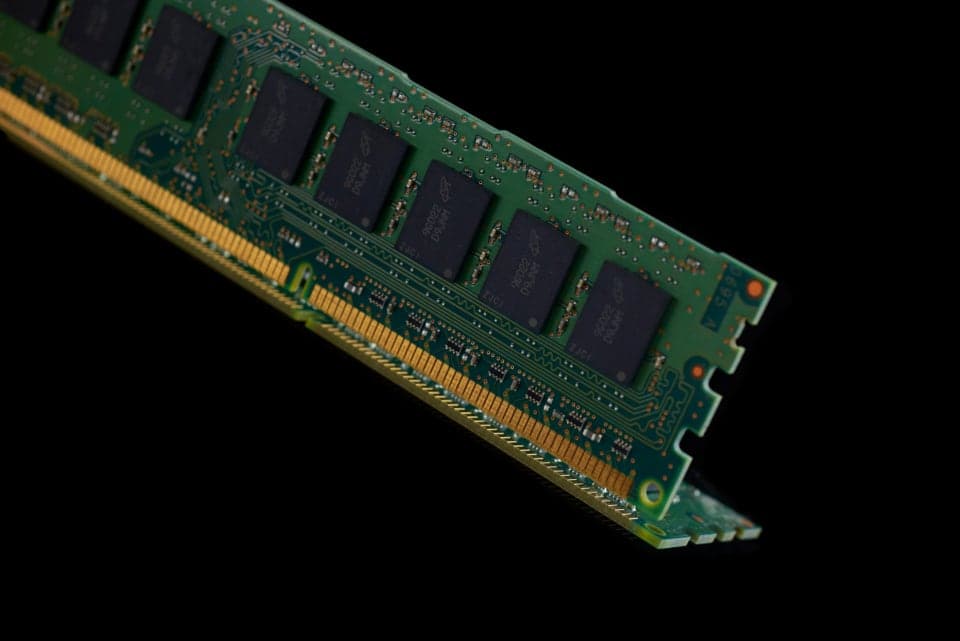
If you want lots of ECC memory on a budget, a used server is often the answer: RDIMMs are standard there and large configurations are easy. You'll find modules under ECC server RAM and registered modules under DDR4 RDIMMs.
How to check that ECC is active
A module having ECC chips doesn't mean the system uses them. Check after installation.
Linux, Proxmox and TrueNAS SCALE
- dmesg | grep -i edac shows whether an EDAC driver for the memory controller has loaded. A message such as ‘ECC disabled’ means ECC is off or unsupported.
- edac-util -v (package edac-utils) lists memory controllers and error counters. If no controller is found, the kernel reports no ECC events.
- rasdaemon logs corrected and uncorrectable errors persistently; ras-mc-ctl --status and ras-mc-ctl --error-count show status and counters.
- dmidecode -t memory shows a total width of 72 rather than 64 bits for ECC modules. That only proves the modules are ECC-capable, not that ECC is working.
Windows
Queries such as wmic memphysical get MemoryErrorCorrection, or the PowerShell equivalent via Win32_PhysicalMemoryArray, only read what the firmware states in its SMBIOS tables. The value may report ECC when correction isn't active, or the other way round. It's a hint, not proof. Corrected memory errors appear as WHEA events in Event Viewer, provided board and firmware report them.
ZFS and TrueNAS: do you need ECC?
In short: ZFS runs without ECC, and TrueNAS installs on any supported system. ZFS protects every block with a checksum, which catches errors on drives, cables and controllers. That checksum, however, is calculated in memory. If a bit flips there before the checksum exists, ZFS writes the corrupted data to disk with a valid checksum. No file system can notice that; ECC can.
The ‘scrub of death’ myth
A forum theory holds that a scrub with bad RAM destroys the whole pool because ZFS ‘repairs’ good data with corrupted data. ZFS developers have contradicted this. ZFS only overwrites a block once it finds a copy that matches its checksum. Faulty memory tends to cause reported checksum errors rather than a chain reaction. ZFS without ECC is therefore no riskier than any other file system without ECC – but no safer either.
Why ECC is still recommended for a NAS: ZFS uses a lot of RAM as read cache (ARC), data sits in memory for a long time, and a NAS often runs for years. ECC flags an ageing module before it does harm. How to connect the drives properly for ZFS is covered in HBA in IT mode for TrueNAS and ZFS.
Weighing cost and benefit
ECC UDIMMs cost more than normal desktop modules, the choice is smaller, and boards with documented ECC support are often pricier. With used servers that premium disappears: ECC is part of the basic spec, and ex-data-centre RDIMMs are widely available.
A sensible approach for newcomers: first check what your existing hardware can do. A Ryzen board with documented ECC makes the switch easy. An Intel Core system with a Z chipset, by contrast, can't be upgraded to ECC. Which hardware suits which purpose is summarised in our homelab server guide.
Decision guide: when is ECC worth it?
| Use | Recommendation | Reason |
|---|---|---|
| NAS with TrueNAS or ZFS, only copy of important data | ECC | data sits in RAM for long, errors would be stored with a valid checksum |
| Proxmox host with many VMs, running 24/7 | ECC | lots of memory, long uptime, errors affect several systems |
| Database, accounts, photo archive | ECC | silent errors often surface late |
| Test and learning system, containers to try out | non-ECC is fine | data is replaceable, rebuilding is easy |
| Media server with copies of the data elsewhere | non-ECC is acceptable | errors cost time, not originals |
Frequently asked questions
Short answers to the questions we hear most often on this topic.
What is the difference between ECC and non-ECC RAM?
ECC modules store extra check bits. The memory controller uses them to correct single-bit errors and detect double-bit errors. Non-ECC modules lack these bits, so errors in RAM go unnoticed.
Does Ryzen support ECC RAM?
Ryzen CPUs without integrated graphics can use ECC UDIMMs if the motherboard enables ECC. Among G models, usually only the PRO versions. AMD's and the board maker's specifications are what count.
Does TrueNAS need ECC RAM?
No, TrueNAS and ZFS run without ECC. It is still recommended, because errors in memory can otherwise reach the drives with a valid checksum.
Can I use server RAM in a desktop PC?
No. Server RDIMMs don't run on desktop motherboards, even though DDR4 RDIMMs fit the slot. Desktop platforms need ECC UDIMMs.
Is DDR5 automatically ECC?
No. The on-die ECC inside a DDR5 chip only corrects internal errors and reports nothing. Real ECC needs DDR5 ECC UDIMMs or RDIMMs with extra chips.
How can I tell on Linux whether ECC is active?
Check with dmesg whether an EDAC driver has loaded, and with edac-util or rasdaemon whether a memory controller with error counters appears. The 72-bit width in dmidecode only shows ECC-capable modules.
Matching products
From our warehouse in Germany, tested and under warranty.
- Used12 mo. warranty
Intel, Intel Optane PMem
Intel Optane PMem 100 128 GB
Part no.NMA1XXD128GPS- 128 GB Optane Persistent Memory 100
- Memory Mode or App Direct
On request
€179.99
incl. 19% VAT, net €151.25
 Used12 mo. warranty
Samsung, DDR4 ECC RAM
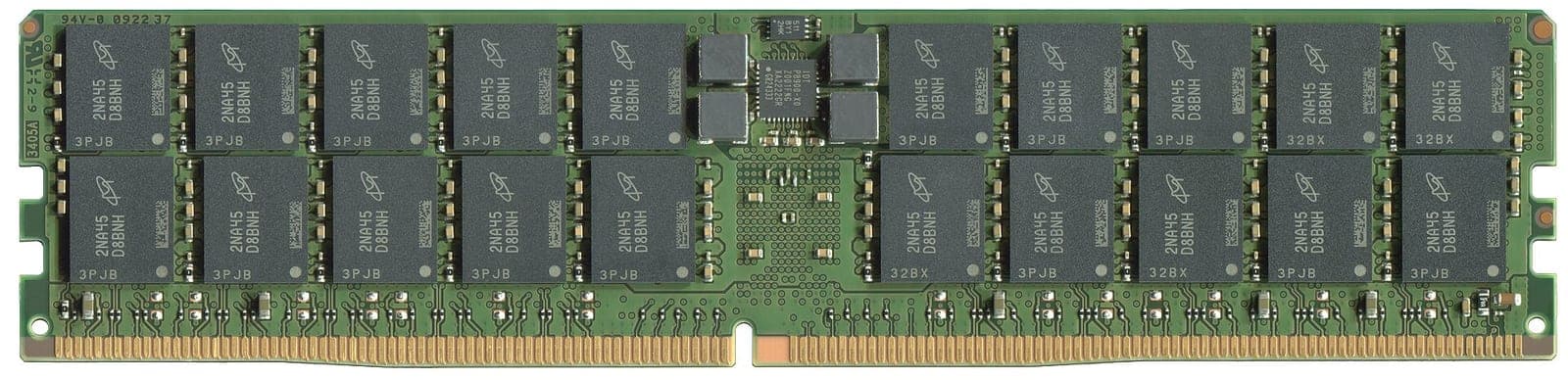
Samsung 8 GB DDR4-2400 ECC RDIMM 1Rx8
Part no.PC4-2400T-RD0-11- 8 GB DDR4-2400 registered ECC
- Samsung 1Rx8, PC4-2400T-RD0-11
On request
€49.99
incl. 19% VAT, net €42.01
- Used12 mo. warranty
Samsung, DDR4 ECC RAM
Samsung 8 GB DDR4-2133 ECC RDIMM 2Rx8
Part no.PC4-2133P-RE0-10- 8 GB DDR4-2133 registered ECC
- Samsung 2Rx8, PC4-2133P-RE0-10
On request
€39.95
incl. 19% VAT, net €33.57
- Used12 mo. warranty
Micron, DDR4 ECC RAM
Micron 8 GB DDR4-2133 ECC RDIMM 2Rx8
Part no.PC4-2133P-RE1-11- 8 GB DDR4-2133 registered ECC
- Micron 2Rx8, PC4-2133P-RE1-11
On request
€39.95
incl. 19% VAT, net €33.57
Keep reading
ECC RAM explained: UDIMM, RDIMM, LRDIMM and channels
Error correction, module types, ranks and memory channels: what to know before you buy or upgrade server memory.
Read moreDell R730 memory upgrade: RAM for R630 and DL380 Gen9
Which DDR4 modules fit Dell PowerEdge 13G and HPE ProLiant Gen9, how to populate the 24 slots properly and how to check the result in iDRAC or iLO.
Read more
Dell R740 memory & HPE DL380 Gen10 RAM: slots and speed
Six channels per CPU, 24 slots and a speed that depends on the CPU: how to populate Dell PowerEdge 14G and HPE ProLiant Gen10 servers properly.
Read more